Knit Studio
Free tool by Cassiy Johnson

Ugly sweater designs, knitted in seconds

Drop in flat Christmas designs and get print-ready faux-knit PNGs back. AI upscaling, background removal and a real stitch cutout, for a whole batch at once.

Free, no watermark Batch ZIP download Files never leave your computer
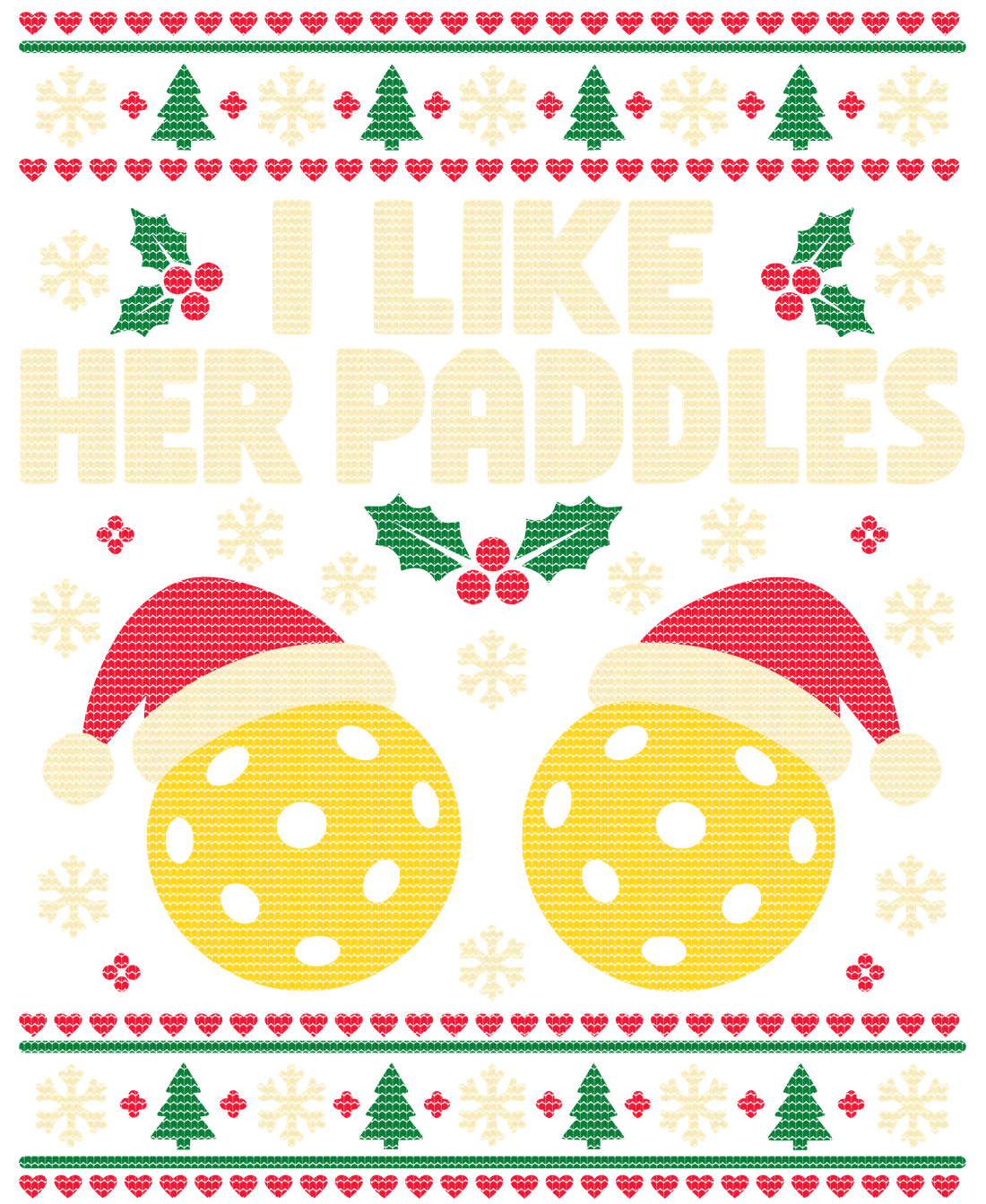
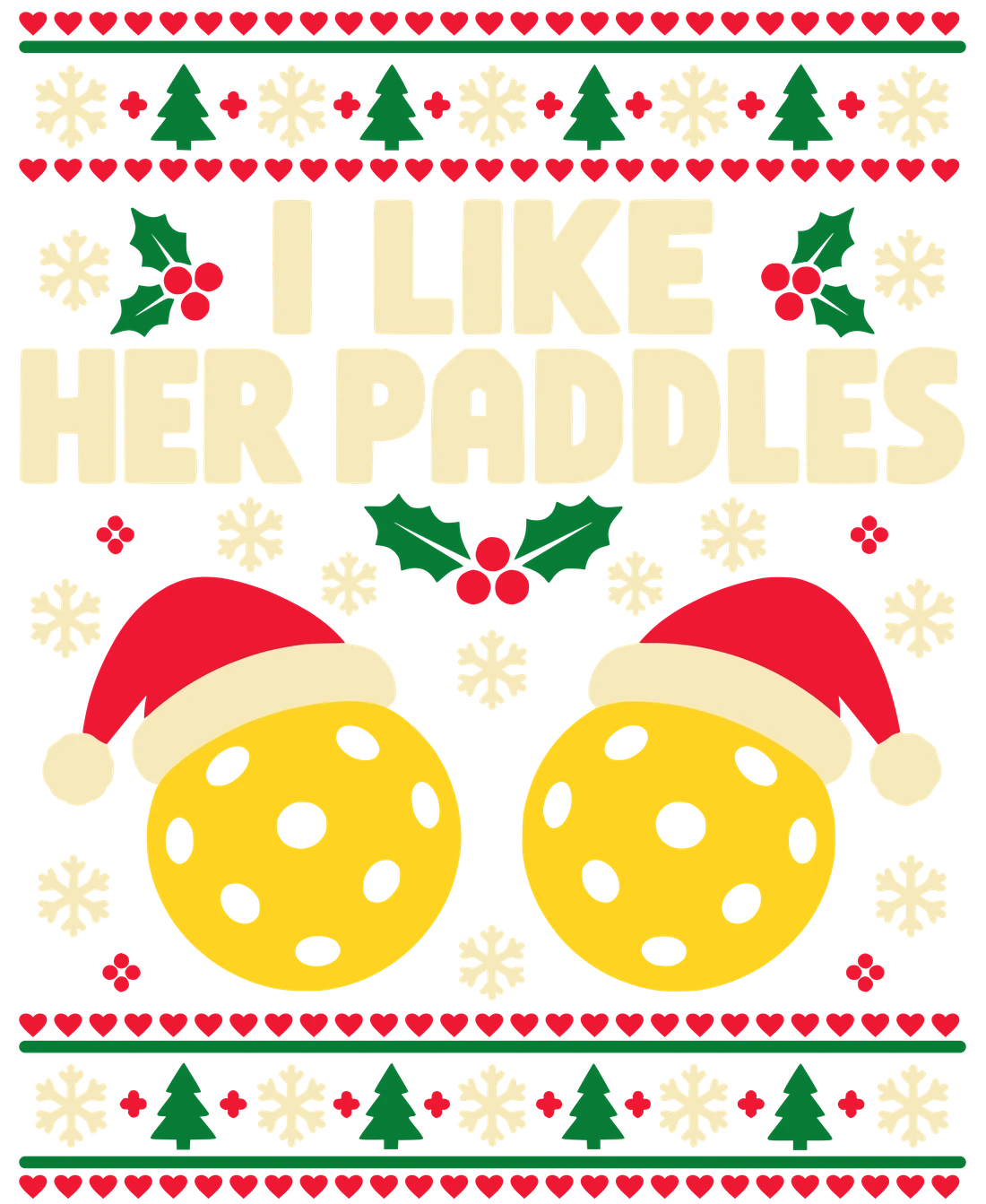
The same design with a knitted stitch pattern cut in Flat ugly sweater design: I Like Her Paddles BeforeAfter
Shirt
Welcome backYour knit workspace is ready. Drop in today's designs below.
Examples
Workspace

Knit your designs

Add as many designs as you like. Change a setting and every preview updates. Download one PNG or the whole batch as a ZIP.

0 designs
Examples

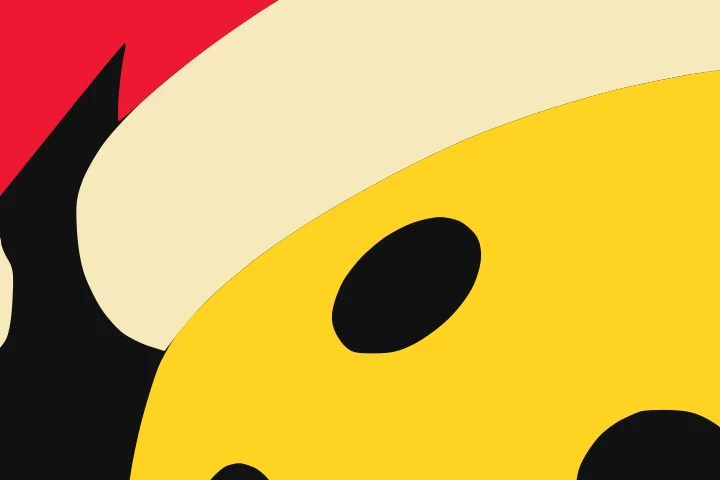
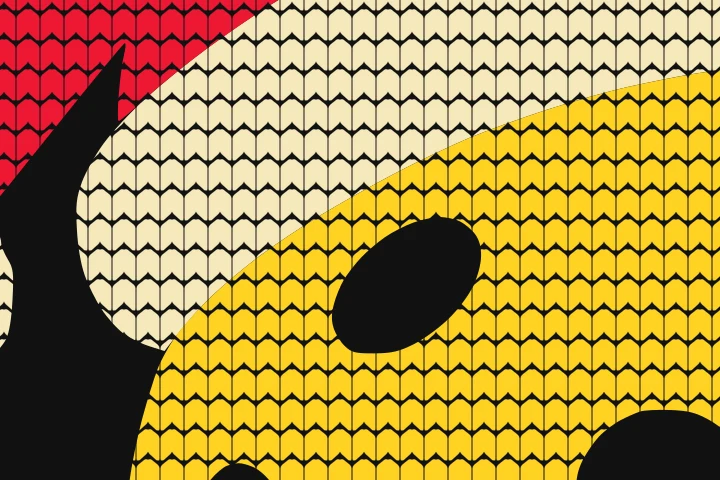
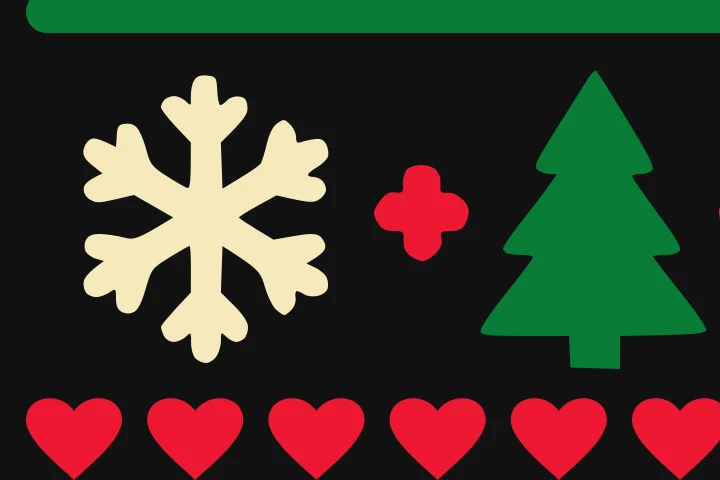
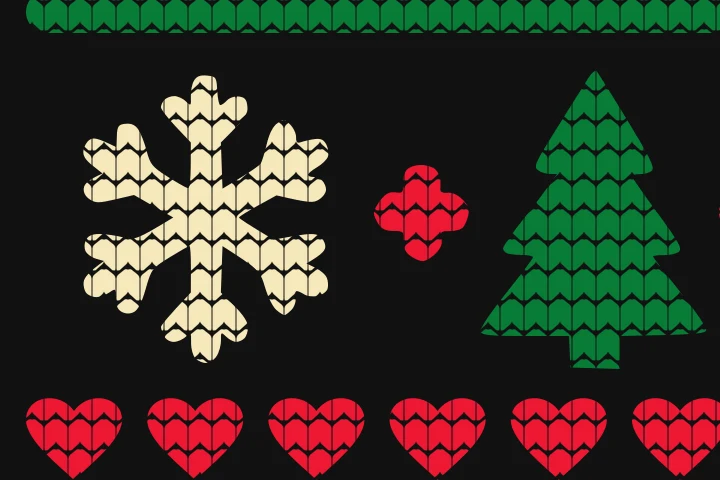
Up close, it reads as knit

Real output at print resolution. Hover or tap a detail to see the flat original underneath.

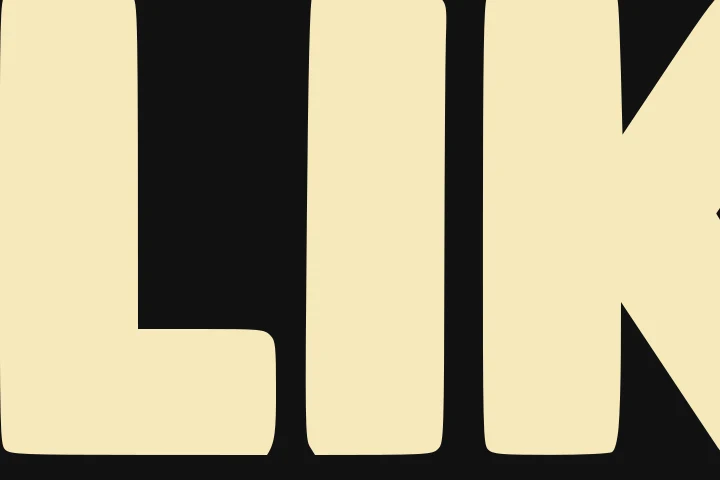
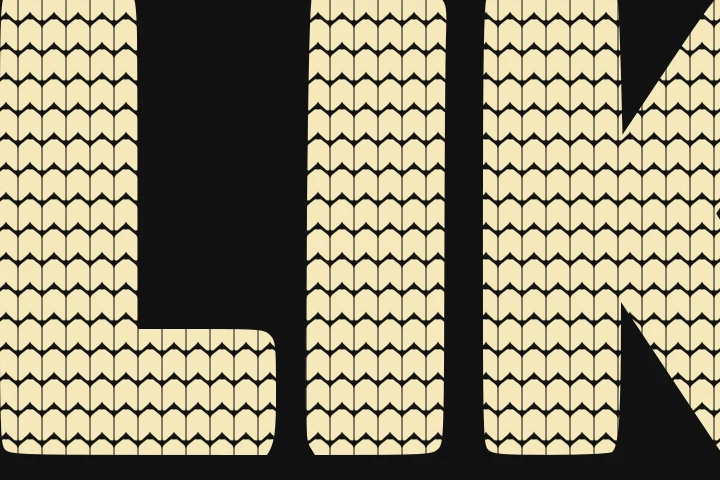
Flat letteringKnitted lettering
Bold letteringhover · before
Flat Santa hat and pickleballKnitted Santa hat and pickleball
Characters & fillshover · before
Flat border patternKnitted border pattern
Sweater bordershover · before
The route

From prompt to listing in four stops

1

Generate it flat

Ask ChatGPT for bold shapes and solid colors on a transparent or solid black background. Leave knit texture out of the prompt.

2

Drop in the batch

Add every design at once. Turn on Upscale for small AI images and "Remove background" if the background is baked in.

3

Check the details

Open any design at actual pixels. Look at thin letters, snowflake arms and tree trunks.

4

Download & list

Grab transparent PNGs as one ZIP and upload them to your POD provider. Dark shirts show the knit best.

From Cassiy · POD Roadmap

Know what to design before the season sells out

Knit Studio is free. The research on which designs actually sell lives inside POD Roadmap, my private community on Skool for print-on-demand sellers.

  • Weekly roadmaps with sub-niches, example listings and sayings to design for
  • Seasonal design challenges you work through with other sellers
  • My tools, workflows and research boards, shared as I build them
POD Roadmap Join POD Roadmap on Skool skool.com/podroadmap
FAQ

Questions

Is it really free?

Yes. No watermark and no limits. You enter your email once before your first download, and that's it.

Do my designs get uploaded anywhere?

No. Everything happens in your browser on your own computer. The AI upscaler downloads a small model the first time, then runs locally too.

What kind of art works best?

Flat, vector-style art with bold shapes and solid colors: lettering, snowflakes, trees, hearts and simple characters. Busy, shaded or photographic images lose detail when stitches are cut in.

Why are some stitches cut off at the edges?

On purpose. The stitch pattern is laid over the whole design and cut wherever the art ends, which is what makes it read as knitted instead of printed.

Which shirt colors work best?

Dark shirts show the stitch gaps most, like a real sweater. Use the shirt swatches in the workspace to preview before you download.

The AI upscale is slow or won't start.

It uses your computer's graphics chip. Chrome or Edge on a laptop or desktop works best. If it can't run, Knit Studio switches to the Fast upscaler automatically.